Onboarding with the learning center
ManiVault contains a comprehensive library of onboarding information for new users such as videos and tutorials. This document is intended to help you understand the learning center so that onboartding becomes as smooth as possible.
Note
Plugin developers should consult the (plugin) learning center API documentation if they want to make use of it.
Global learning center
There is a dedicated learning center page which lists all videos and tutorials available in ManiVault. This page can be accessed in three ways:
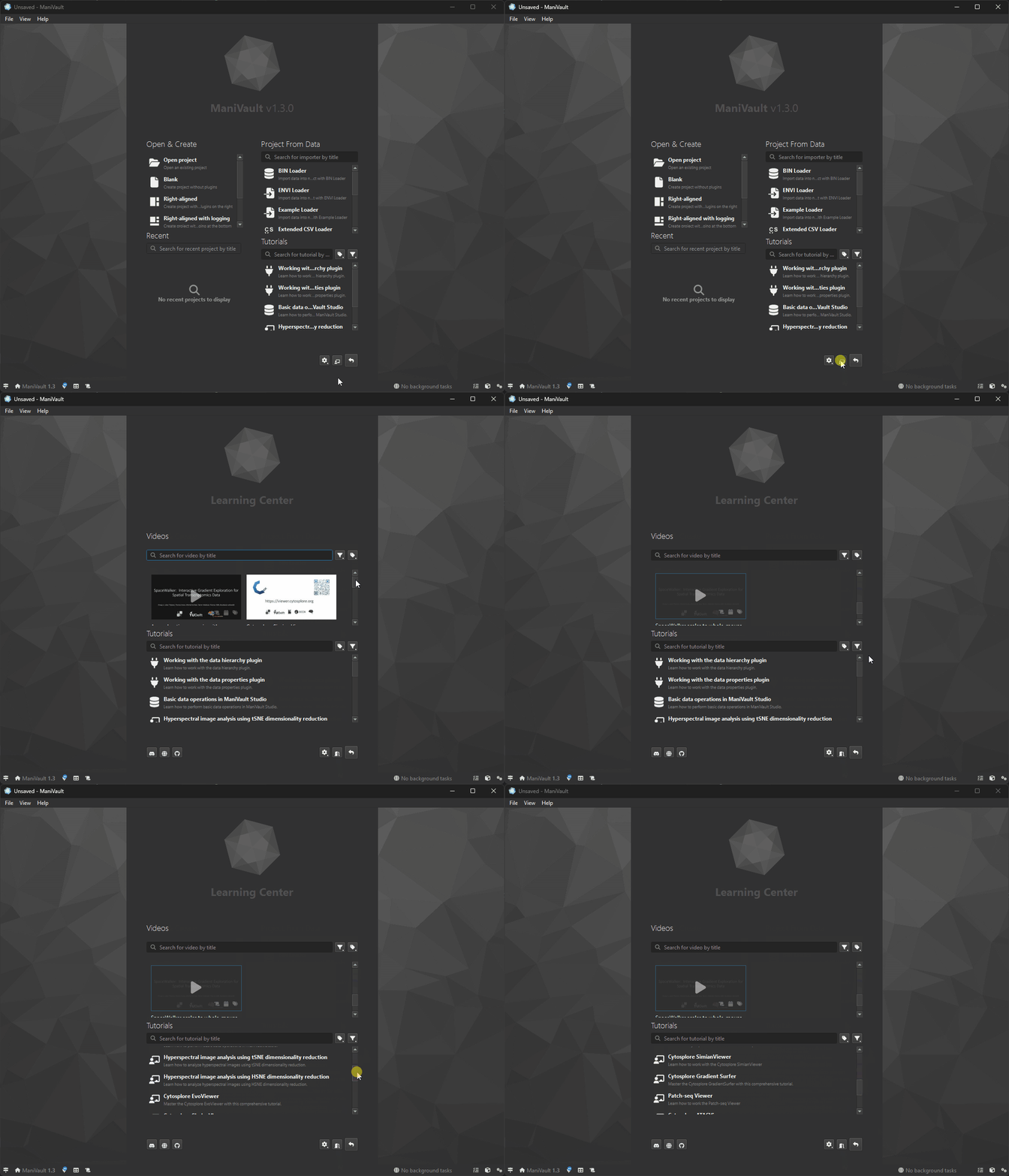
The welcome page contains a shortcut to the global learning center page.
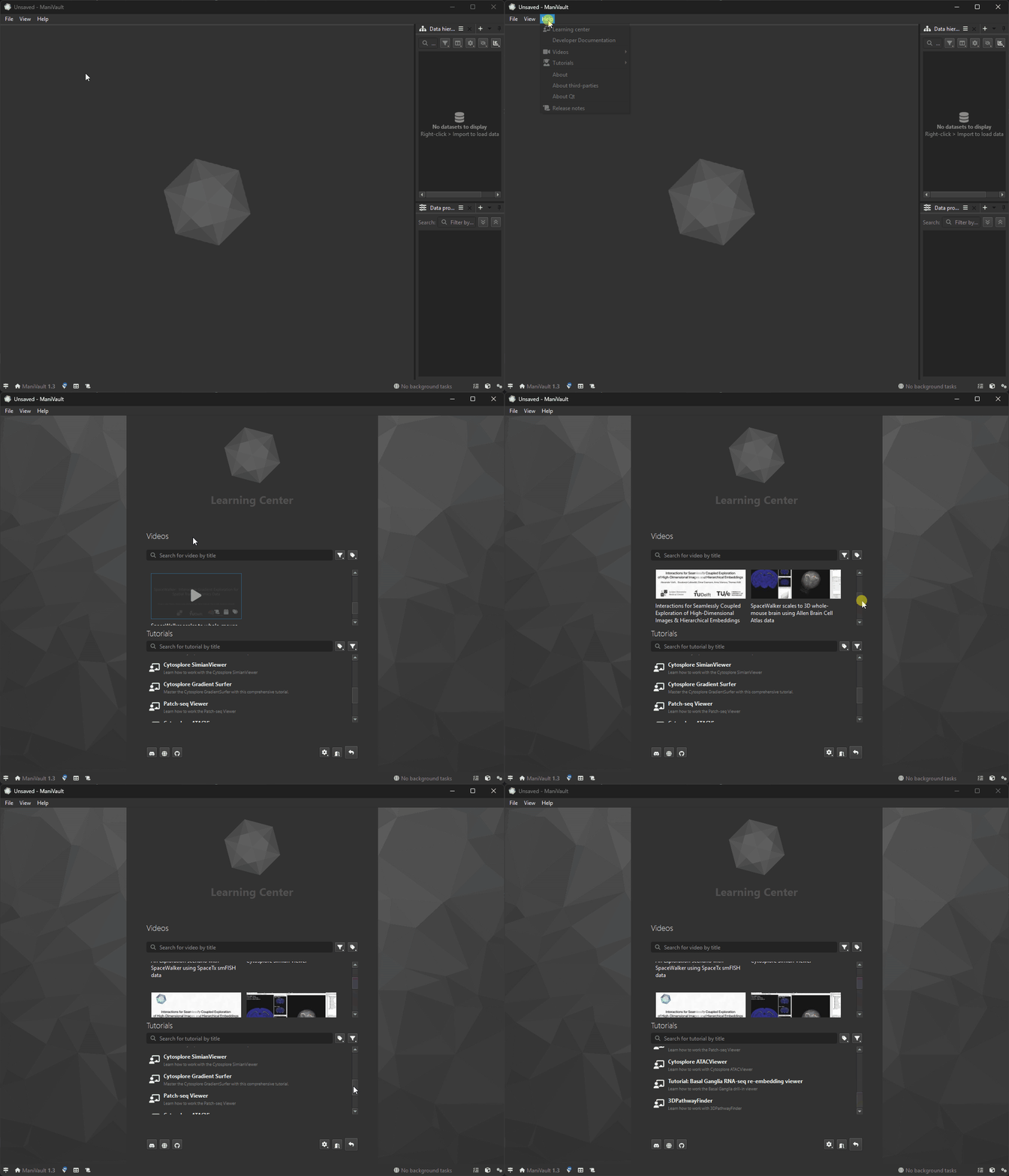
The help menu has a shortcut that navigates to the learning center page.
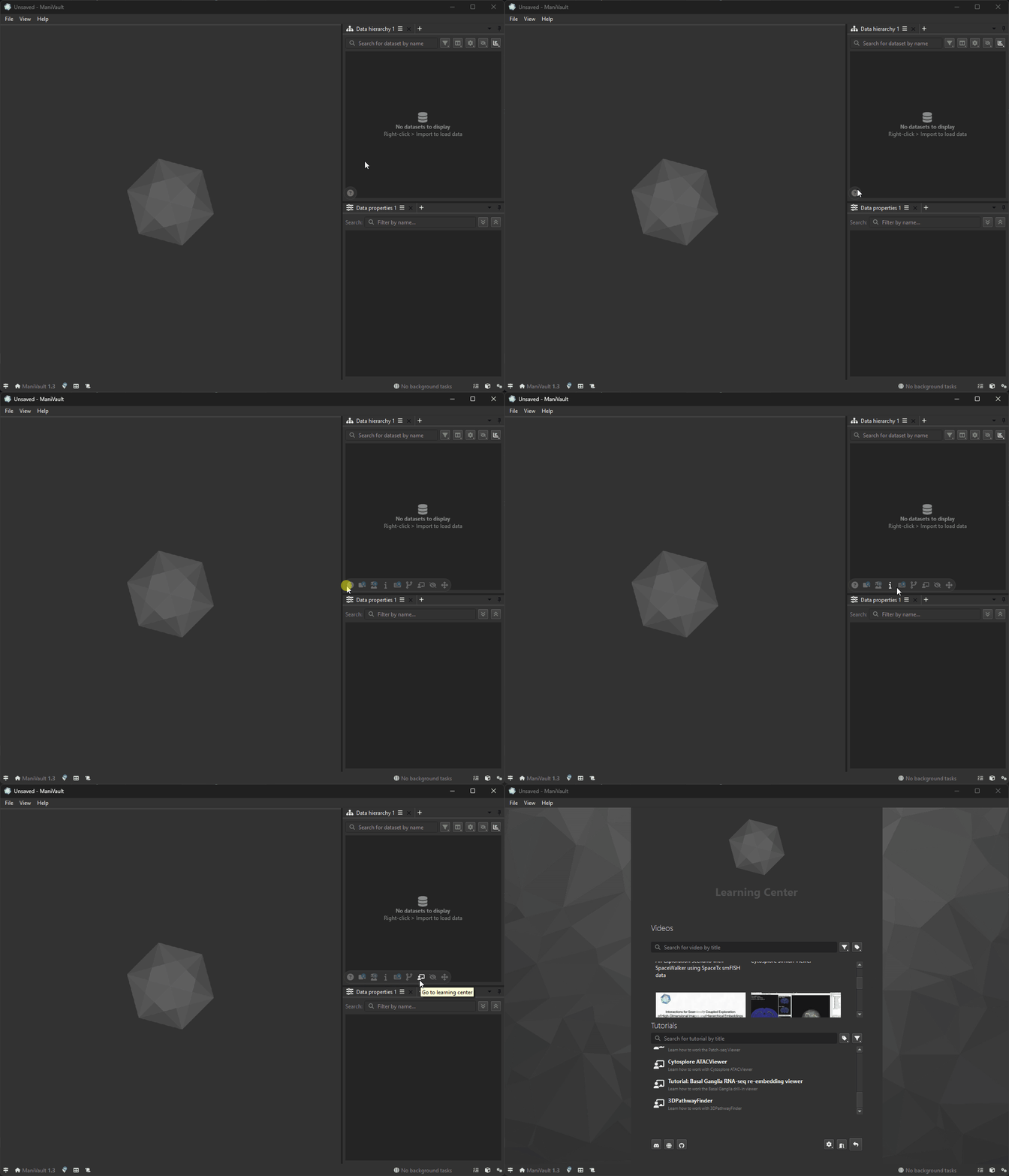
The plugin learning center contains a shortcut that navigates to the learning center page.
Plugin learning center
In addition to the global learning center, which contains all tutorials and videos, there is also a plugin-specific learning center.
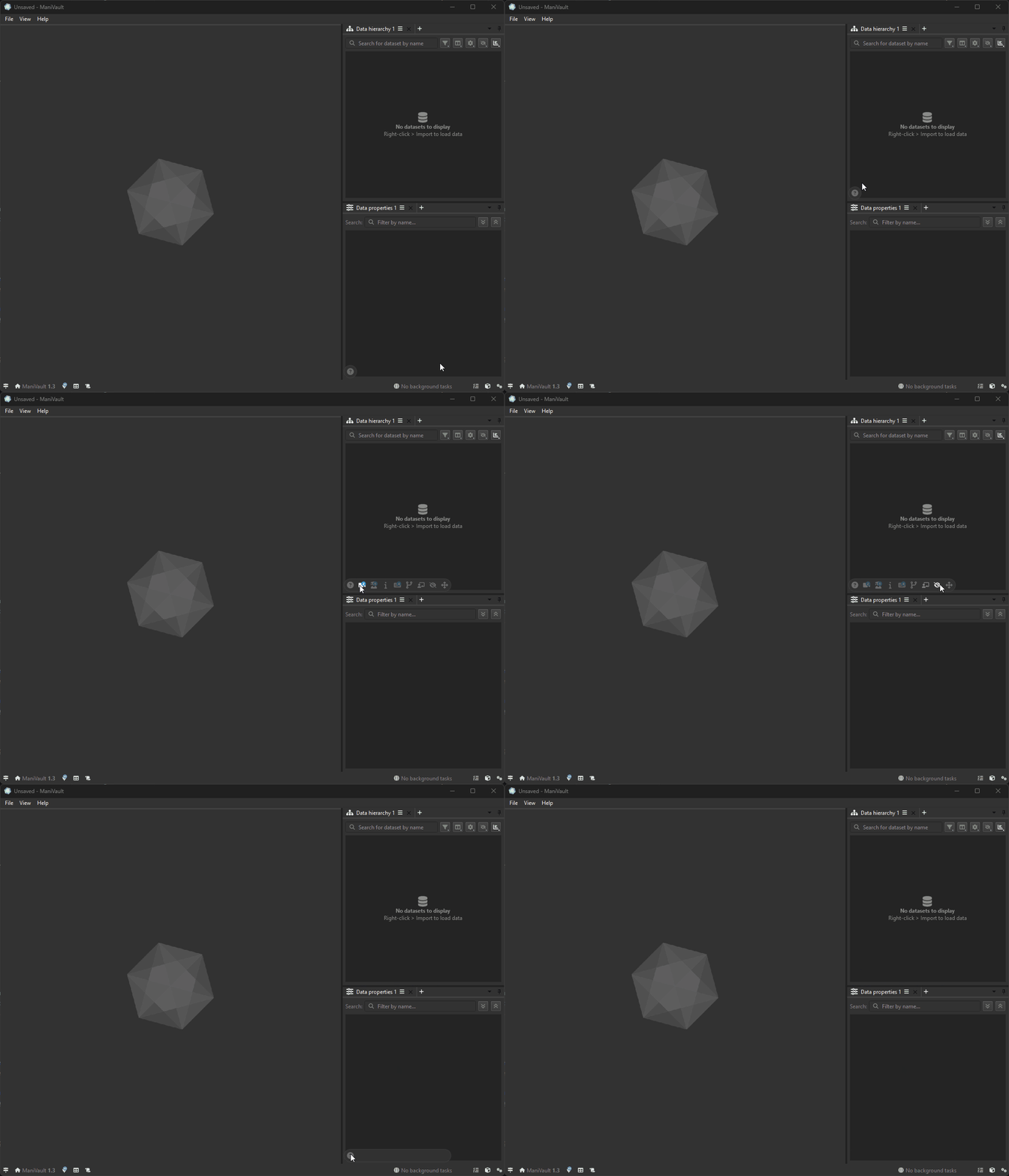
The plugin learning center show plugin-specific onboartding links in a popup.
Depending on the plugin, the popup might contain:
Links to youtube videos
Each plugin may provide links to videos demonstrating:Plugin purpose
Typical workflows
Interactive usage examples
Links to tutorials
Embedded tutorials which explain:Plugin concepts
Step-by-step usage instructions
Common workflows and best practices
These tutorials are optimized for new users and are accessible without leaving the application. Some of the tutorials are accompanied by tutorial projects.
Plugin meta data
The plugin learning center displays metadata for the selected plugin, including:Author names
Institutional affiliations
Copyright information
This ensures transparency and proper attribution.
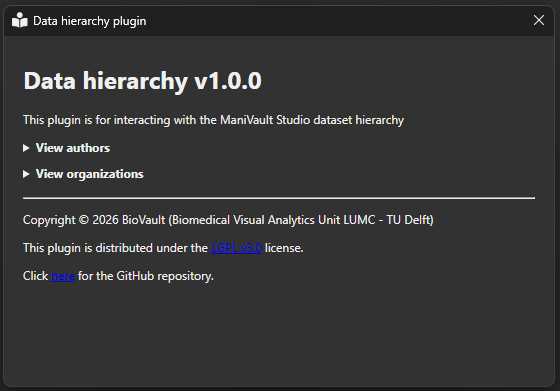
An example of the plugin meta data dialog.Shortcuts map
A grouped list of plugin-specific shortcuts.
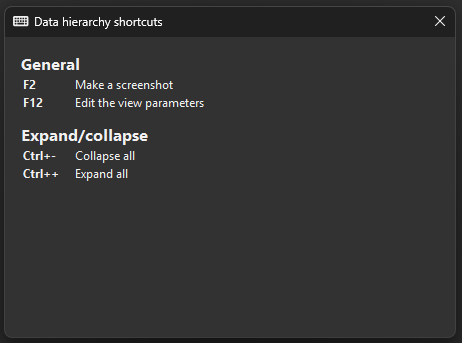
categorized plugin - example of the plugin meta data dialog.Link to GitHub repository
If available, a direct link to the plugin’s source repository is shown (it will open the default browser window). This is useful for:Advanced users
Developers
Inspecting implementation details
Reporting issues or contributing
Link to the global learning center page
When viewing plugin-specific content, a global learning center button is available. This switches the view to a global overview containing:All plugins
All tutorials
All videos
Hide functionality
The hide learning center button closes the learning center popup. This allows users to return to their workspace without disabling the feature. The learning center can be reopened at any time.Relocate functionality
Users can change the position of the Learning Center popup button. This allows placing the button on a preferred screen edge to avoid visual clutter.