Notifications
This document describes the two supported ways to send notifications in the plugin system: a global notification API and a plugin-scoped convenience wrapper.
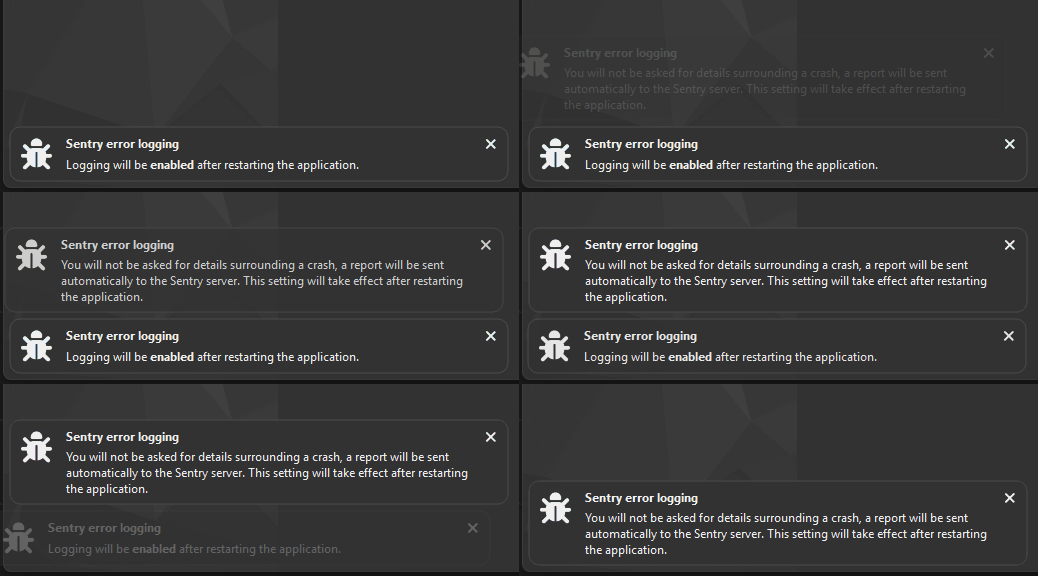
Notifications are stacked on top of each other, and disappear automatically.
Global notification
mv::help().addNotification(
    const QString& title,
    const QString& description,
    const StyledIcon& icon,
    util::Notification::DurationType durationType,
    std::int32_t delayMs
);
Adds a notification to the main application window.
This function is intended for global notifications, independent of any plugin context.
Parameters
title
Short notification title displayed prominently.description
Detailed notification text. May contain HTML.icon
Icon displayed alongside the notification (for example,"circle-exclamation").durationType
Controls how long the notification remains visible:Fixed— fixed durationCalculated— duration based on content lengthTask— remains visible until the associated task completes
delayMs
Delay in milliseconds before the notification is shown.
Example
mv::help().addNotification(
    "Download problem",
    QStringLiteral("Project not downloaded: %1").arg(errorString),
    StyledIcon("circle-exclamation"),
    util::Notification::DurationType::Fixed,
    0
);
Plugin notification (recommended for plugins)
void addNotification(
    const QString& description,
    const util::Notification::DurationType& durationType =
        util::Notification::DurationType::Fixed,
    std::int32_t delayMs = 0
) const;
Adds a notification originating from a plugin.
Compared to the global notification API, this function automatically derives:
the notification title from the plugin title
the notification icon from the plugin metadata
Plugin authors should prefer this function to ensure a consistent user experience.
Parameters
description
Message text of the notification. May contain HTML.durationType
Duration behavior of the notification:FixedCalculatedTask
Defaults toFixed.
delayMs
Delay in milliseconds before the notification is shown.
Defaults to0.
Example
addNotification(
    QStringLiteral("Project not downloaded: %1").arg(errorString),
    util::Notification::DurationType::Fixed
);
Foreground task notifications
Tasks that run with Foreground GUI scope are presented to the user as temporary notifications.
While the task is running:
A notification is shown automatically.
The notification includes a progress indicator.
No user interaction is required.
When the task finishes:
The notification is dismissed automatically.
The user does not need to manually close or acknowledge it.
Example
auto foregroundTask = new mv::ForegroundTask(this, "My foreground task");
foregroundTask->setRunning();
Creating a ForegroundTask and marking it as running will display a transient notification with a progress bar for the duration of the task. Once the task completes, the notification disappears automatically.